

Ready to supercharge your commercial real estate data extraction? This guide provides a simple, step-by-step walkthrough on how to install PropQwik on Chrome, so you can start extracting crucial property data from LoopNet and other CRE platforms in minutes.
Step-by-Step: How to Install PropQwik on Chrome for CRE Professionals
Your Express Lane to Smarter CRE Data
Are you a commercial real estate (CRE) professional still spending too much time on manual data entry? Do you find yourself copying and pasting property details from one site to another, losing precious hours? Imagine instantly capturing every vital piece of information from CRE listing websites with just one click.
This is where PropQwik comes in. It's a key Chrome extension for CRE professionals, designed to change how you handle property data. PropQwik is a powerful tool. It takes public listing data—things like addresses, prices, cap rates, and broker contacts—and turns them into structured, client-ready insights in seconds. This comprehensive, step-by-step guide walks you through the "PropQwik install Chrome" process. You will be set up and ready to use its features, starting with popular platforms like LoopNet, in just a few minutes.
Stop Wasting Time, Start Closing Deals: The PropQwik Advantage
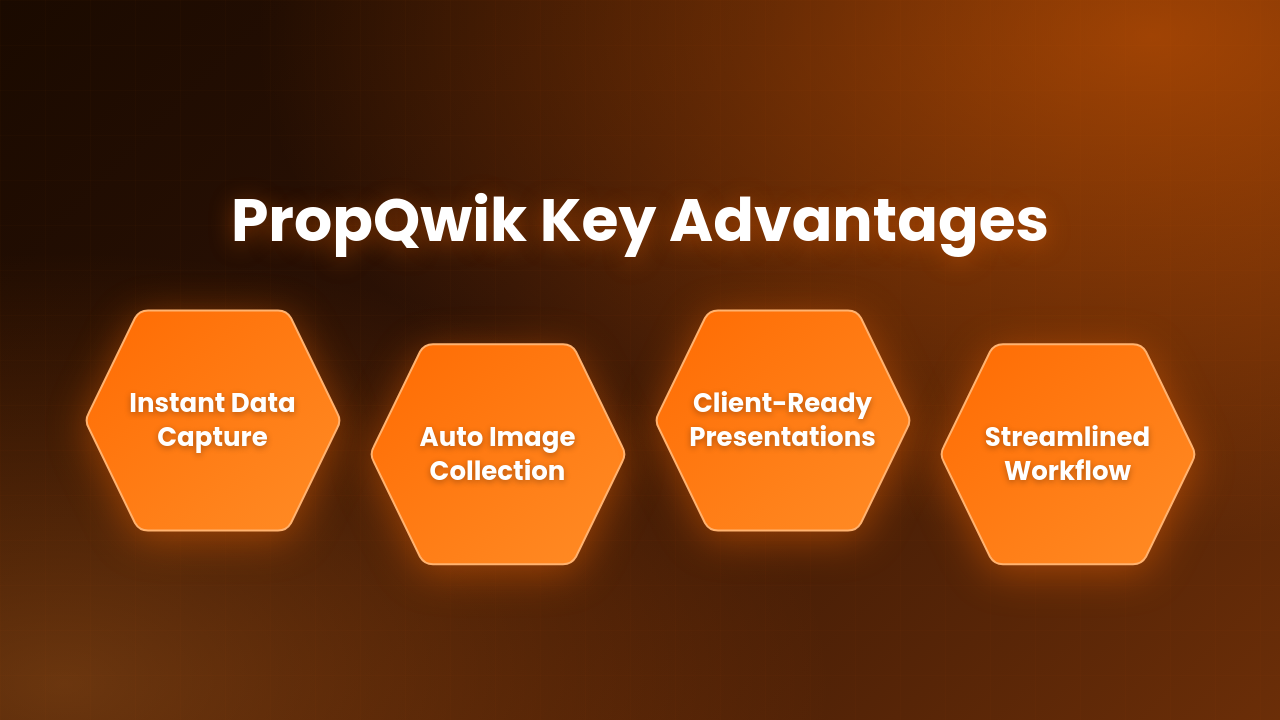
Traditional CRE data management often drains your time. Manual data entry often leads to mistakes, slows down analysis, and takes your attention away from closing deals and helping clients. PropQwik removes these obstacles. As a dedicated "Chrome extension for CRE," it automatically gathers structured property data directly from publicly visible listing pages.
PropQwik offers several strong benefits:
- One-click Data Capture: Quickly grab details such as the address, price, cap rate, lease rate, broker contact information, and even listing images.
- Automatic Image Collection: No more taking screenshots by hand. PropQwik handles it for you.
- Professional Presentations: Create client-ready PowerPoints using Gamma AI. This saves many hours of design work.
- Better Workflow: Reduce manual copying and pasting. This improves accuracy and frees up your time for more important tasks.
PropQwik puts your data security first. All data processing happens right in your browser. PropQwik’s servers do not store any information. This ensures full compliance with terms of service. Commercial brokers, investment analysts, real estate developers, property managers, and brokerage teams find PropQwik very useful. Using the "PropQwik LoopNet extractor" helps many of these professionals daily.
Getting Ready: What You Need
Before we install PropQwik, ensure you have these things:
- Google Chrome: PropQwik works best on the Google Chrome browser.
- Internet Connection: You need a stable internet connection for installation and initial setup.
- A Few Minutes: The process is quick and simple!
How to Install PropQwik on Chrome – A Visual Walkthrough
This section details the main "PropQwik install Chrome" process. Follow these easy steps. We refer to visual aids you might see (like screenshots or GIFs) for clear understanding.
Step 1: Head to the Chrome Web Store
First, open your Google Chrome browser. Then, go directly to the Chrome Web Store. You can type "chrome.google.com/webstore" into your address bar and press Enter. Once there, find the search bar. Type "PropQwik" into it and press Enter again. This searches for the extension.
Step 2: Locate and Add PropQwik
Look for the official PropQwik extension in the search results. It usually has a unique PropQwik logo. This helps you identify the correct one. Once you find it, click the "Add to Chrome" button next to the PropQwik extension. This button starts the installation process.
Step 3: Confirm the Installation
After you click "Add to Chrome," a small pop-up window will appear. This window asks you to confirm if you want to "Add PropQwik." This is a standard security step for Chrome extensions. Review the permissions. Then, click "Add extension" to continue with the installation.
Step 4: Pin PropQwik to Your Toolbar (for Easy Access)
Once PropQwik is installed, you will notice a small puzzle piece icon. This icon represents your Extensions menu and usually sits in the top right corner of your Chrome toolbar. Click this puzzle piece icon. A list of your installed extensions will appear. Find "PropQwik" in this list. Next to it, click the pin icon. Pinning the extension makes the PropQwik icon visible on your toolbar all the time. This gives you one-click access whenever you need it.
Step 5: Sign Up or Log In to Your PropQwik Account
After the installation finishes, a new tab will open automatically. This tab will guide you to the PropQwik onboarding page. Here, you can either create a new PropQwik account or log in if you already have one. The process is straightforward. Remember, both our Starter and Pro plans come with a helpful 7-day free trial. This trial lets you try out all the features before deciding on a plan. It's a great way to explore its full capabilities.
Instant Value: Your First PropQwik Extraction on LoopNet (and Beyond!)
Now that PropQwik is installed, let’s see it in action. This is where the efficiency of the "PropQwik LoopNet extractor" truly makes a difference.
Navigate to a Listing Page
Open a new tab in Chrome. Go to a supported commercial real estate listing website, like LoopNet. Find a specific property listing page from which you want to gather data. PropQwik works on many public listing pages.
One Click, Instant Data
Once you are on the property page, simply click the PropQwik icon. This is the icon you pinned to your Chrome toolbar earlier.
Watch It Work
PropQwik immediately starts reading the publicly visible data on the page. You will see structured property details quickly fill the extension’s sidebar. This includes the full address, listing price, cap rate, lease rate, and broker contact information. It even captures all associated listing images.
Here are some key capabilities:
- Automatic Image Capture: PropQwik saves all property images automatically. You do not need to do anything extra.
- Background Data Extraction: PropQwik can even extract data while you switch between tabs. This keeps your workflow smooth and efficient.
Export Your Findings
From the extension, you can easily export this collected data. You can create professional PowerPoint presentations using Gamma AI. If you have the Connectivity add-on, PropQwik can also automatically sync this data to Google Sheets and save it to Google Drive. This streamlines your reporting and sharing.
Unlock Full Potential: PropQwik Features & Plans
PropQwik is more than just a tool for extracting data. It offers a complete system for managing CRE information.
Key Features
You can explore various features within PropQwik. Add notes to properties, track their status, and mark your favorites. Access all your past extractions effortlessly. Powerful search and filter options help you find exactly what you need, quickly.
Flexible Plans
Choose the plan that fits your needs. Our Starter plan costs $19.99 per month, and the Pro plan is $39.99 per month. Both plans include a useful 7-day free trial. The Pro plan gives you more extractions each month. It also includes top-up credits that never expire, providing greater flexibility.
Connectivity Add-on
For an additional $10 per month, boost your workflow with the Connectivity add-on. This feature enables Google Sheets synchronization and Google Drive auto-save. It simplifies how you manage and share your data across platforms.
Your PropQwik Installation & Usage Questions Answered
Many CRE professionals have questions when they first explore new tools. Here are some common queries about PropQwik.
Is PropQwik free to install?
Yes, PropQwik is free to install as a Chrome extension. Furthermore, both our Starter and Pro plans offer a 7-day free trial. This trial period allows you to test all features before making any commitment.
What CRE portals does PropQwik support?
Currently, PropQwik fully supports LoopNet, which is a major platform for commercial real estate listings. We are actively working to add support for Crexi and CoStar soon. We continuously expand our list of supported platforms to help more professionals.
How does PropQwik handle my data privacy and security?
PropQwik takes your data privacy very seriously. All data extraction and processing occur locally within your web browser. PropQwik’s servers never store any of your extracted data. This design ensures your information remains private and secure, complying with data protection standards.
Can I use PropQwik on multiple devices?
Yes, you can use PropQwik on any Chrome browser where you are logged into your PropQwik account. It also works on Edge browsers. Simply install the extension and sign in with your credentials on each device. This offers flexibility for professionals who work from different computers.
What’s the main advantage of using PropQwik over manual data entry?
The biggest advantage is time-saving and accuracy. PropQwik eliminates the tedious task of manually copying and pasting information. It reduces human error and speeds up your data collection process significantly, letting you focus on analysis and client interactions.
Does PropQwik capture property images automatically?
Absolutely. One of PropQwik's standout features is its ability to automatically capture all associated listing images from a property page. You no longer need to manually screenshot or download images, saving valuable time.
Can PropQwik help me create client presentations?
Yes, it can. PropQwik helps you generate professional client-ready PowerPoint presentations. It does this through an integration with Gamma AI. This feature saves hours of design work and helps you present information clearly and consistently.
What if I need help with PropQwik?
If you encounter any issues during installation or usage, PropQwik offers support resources. You can usually find help guides, FAQs, or contact information for direct assistance on the PropQwik website.


Get Started with PropQwik Today!
You've successfully finished the "PropQwik install Chrome" guide! Now you are equipped to improve your commercial real estate data extraction and presentation workflow. You can stop the manual grind. Instead, start focusing on high-value activities that truly drive your business forward. PropQwik is a reliable partner in helping you achieve efficiency, accuracy, and close more deals.
Don't let valuable time slip away. Install PropQwik on Chrome now and experience a more effective way to manage CRE data!