
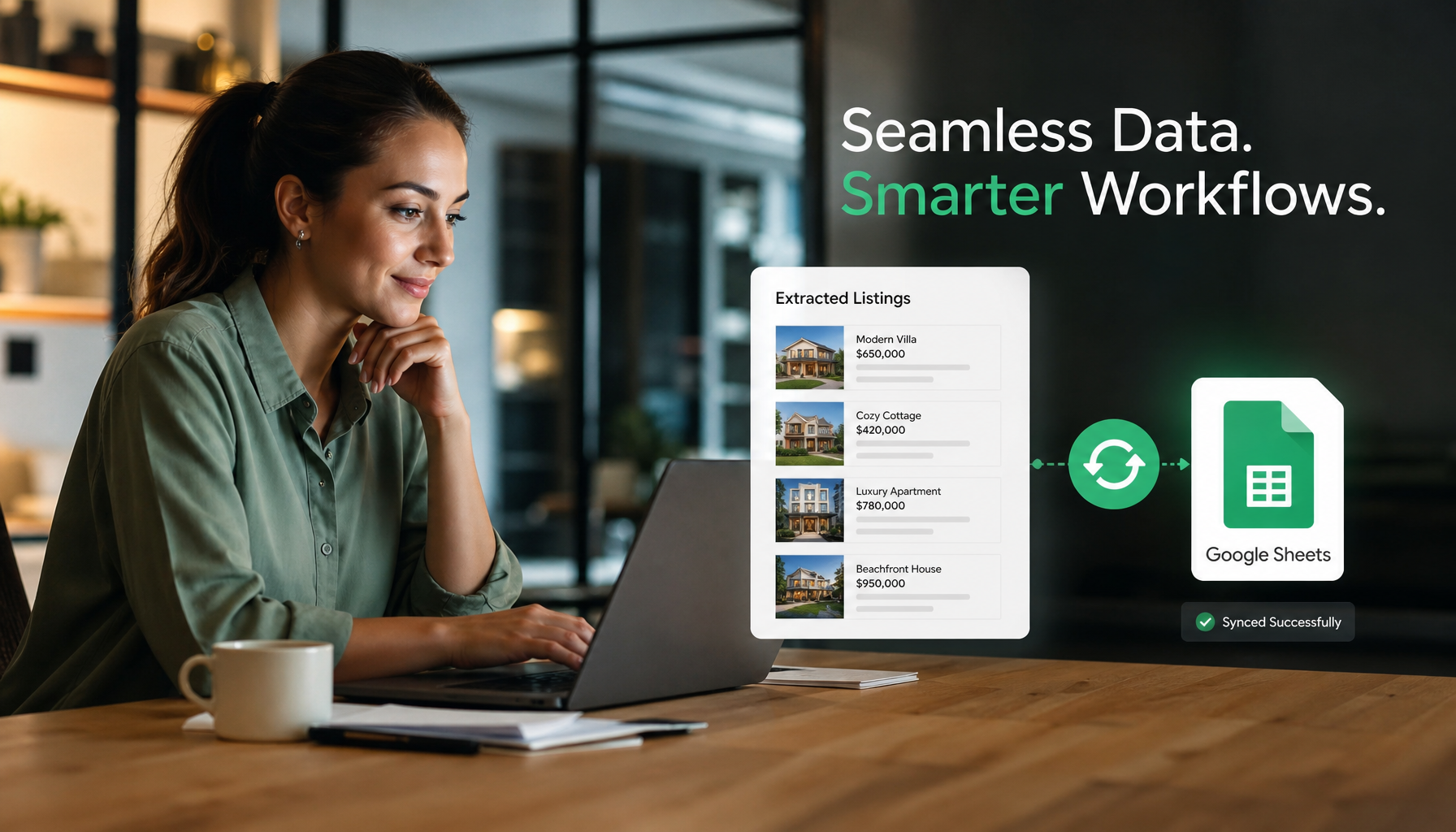
Tired of manual data entry for CRE listings? Discover how PropQwik revolutionizes your workflow by automatically syncing extracted property data to Google Sheets. This comprehensive guide will walk you through setting up your 'LoopNet to Sheets' pipeline, leveraging a smart 'Sheets template for CRE' to save countless hours and boost your productivity. Get ready to transform your data management!
Sync Extracted Listings to Google Sheets: Your Ultimate PropQwik Setup Guide
Introduction: The End of Manual CRE Data Entry
Commercial real estate professionals often face a tedious task: manually copying and pasting property details from various online platforms. This agonizing reality steals valuable time, introduces errors, and slows down crucial analysis. PropQwik arrives as a true game-changer, simplifying data extraction with just one click. This guide shows you exactly how to sync extracted listings to Google Sheets using PropQwik, transforming your workflow. We will walk you through every step, ensuring you gain automation, accuracy, and efficiency. The PropQwik Connectivity add-on is the key to making this powerful automation a reality.
Why Auto-Syncing Extracted Listings to Google Sheets is a Game-Changer for CRE Professionals
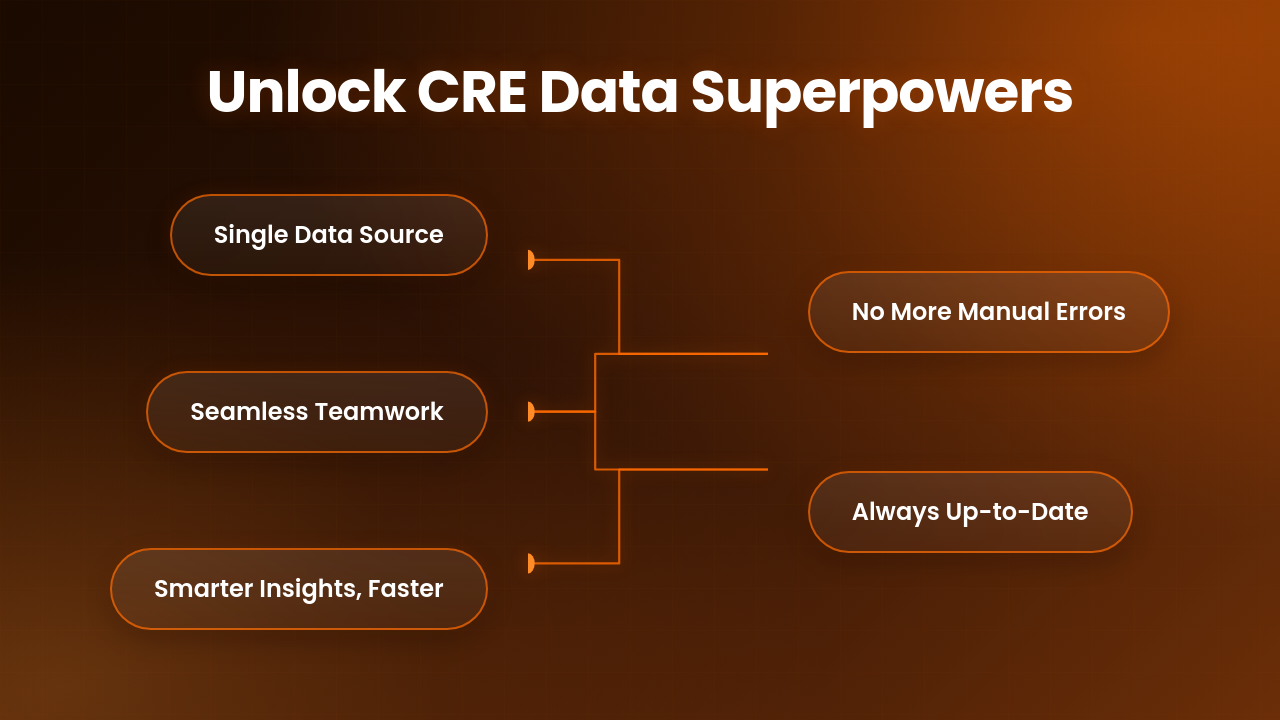
Automating the transfer of property listings directly to Google Sheets offers significant advantages for anyone in commercial real estate. It's more than just a convenience; it redefines how you manage and analyze data.
Centralized Data Hub
Your Google Sheet becomes the single source of truth for all your property data. No more scattered files or outdated spreadsheets. All extractions land in one organized place, ready for action. This central hub simplifies access for everyone on your team.
Enhanced Collaboration
Working with your team becomes seamless. With all up-to-date listing data in a shared Google Sheet, team members can access, review, and contribute simultaneously. This improves project coordination and ensures everyone operates with the same information.
Powerful Analysis & Filtering
Google Sheets offers robust capabilities for market analysis. You can quickly filter properties by price, location, cap rate, or any other extracted field. Creating a useful Sheets template for CRE lets you run comparisons and identify trends faster than ever before. This helps you make smarter decisions.
Eliminate Errors & Save Time
Manual data entry is prone to human error. Syncing data automatically removes this risk. You reclaim hours spent on repetitive tasks, freeing you to focus on client relationships and deal-making. This significant time saving makes a real difference.
Real-time Updates
Every time you extract a new listing with PropQwik, your Google Sheet updates instantly. You always have the most current information, which is critical in a fast-moving market. This ensures your data is never behind.
PropQwik: Your Gateway to Intelligent CRE Data
PropQwik changes how commercial real estate professionals gather data. It is a browser extension designed for one-click extraction of structured property data. Imagine pulling out exact details like addresses, prices, cap rates, broker contact information, and even images from popular portals such as LoopNet. This tool works quickly and efficiently.
PropQwik processes all data locally on your device, ensuring your information stays private. Nothing is stored on our servers. This privacy-first approach gives you peace of mind. Now, with its Google Sheets sync feature, PropQwik takes data utility to the next level. It moves from simple extraction to automated organization, making your workflow smoother and more effective.
Unlocking Automation: The PropQwik Connectivity Add-on
The PropQwik Connectivity Add-on is what truly brings automation to your CRE data workflow. This add-on connects PropQwik directly to other services, significantly boosting its functionality. For just $10 a month, it gives you two powerful features: automatic Google Sheets sync and Google Drive auto-save for property presentations.
This add-on is essential for anyone who wants to automatically transfer data from sources like LoopNet to Sheets. It ensures your extracted listings appear in your chosen spreadsheet without any manual intervention. You can test the Connectivity Add-on during your PropQwik Starter or Pro plan's 7-day free trial. This gives you a risk-free way to experience the future of CRE data management.


Step-by-Step Guide: How to Sync Extracted Listings to Google Sheets with PropQwik
Setting up PropQwik to sync your extracted CRE listings to Google Sheets is straightforward. Follow these steps to automate your data collection process.
Step 1: Install the PropQwik Extension
First, add PropQwik to your browser.
- Go to the Chrome Web Store or Microsoft Edge Add-ons store.
- Search for "PropQwik."
- Click "Add to Chrome" or "Get" to install the extension.
- The PropQwik icon will appear in your browser's toolbar.
Step 2: Activate Your PropQwik Plan & Connectivity Add-on
Next, you need an active PropQwik plan and the Connectivity Add-on.
- Visit the PropQwik website and sign up for a Starter or Pro plan. Remember, a 7-day free trial is available for all plans.
- During the signup process, you will see an option to add the "Connectivity Add-on." Make sure to select it.
- If you already have a plan, log into your PropQwik dashboard. You can add the Connectivity Add-on from there.
Step 3: Authorize Google Account for Sheets Integration
PropQwik needs permission to access your Google Sheets. This is a one-time, secure process.
- After activating the Connectivity Add-on, PropQwik will prompt you to authorize your Google account.
- Click "Connect Google Account."
- A Google sign-in window will appear. Select the Google account you wish to use for syncing.
- PropQwik will request specific permissions, primarily to create and edit spreadsheets on your Google Drive.
- Confirm these permissions. This process is secure. PropQwik processes data locally, meaning your extracted information never touches our servers. Your data privacy remains our top priority.
Step 4: Choose or Create Your Target Google Sheet
Now, tell PropQwik where to send your data.
- Once authorized, you will see an option in the PropQwik extension settings to "Select Google Sheet."
- You can either choose an existing Google Sheet from your Drive or let PropQwik create a new one for you.
- If you choose to create a new sheet, PropQwik will automatically generate an optimal Sheets template for CRE. This template comes with pre-defined columns for all standard extracted data fields. These fields include address, property type, price, cap rate, broker contact information, listing URL, and image URLs.
- Selecting an existing sheet works too. PropQwik will try to map data to existing columns or add new ones as needed.
Step 5: Start Extracting and Watch the Magic Happen!
The setup is complete. Now, experience the automation.
- Navigate to a commercial property listing on a supported portal, like LoopNet.
- Click the PropQwik extension icon in your browser toolbar.
- PropQwik will quickly extract all available data from the page.
- As soon as the data extraction finishes in your browser, it is *instantly and automatically* synced to your designated Google Sheet. You will see the new row appear in your spreadsheet almost immediately.
- This is where LoopNet to Sheets becomes a smooth, one-click operation.
Step 6: Verify Your Synced Data
Always double-check your work.
- Open the Google Sheet you selected in Step 4.
- Confirm that the extracted listing data appears correctly in the new row.
- Perform a few more extractions from different listings. You will see them populate your Google Sheet in real-time, one after another.
This entire process makes data collection efficient and error-free. You now have a living database of CRE listings.
*What if I want to use a different Google Sheet later?*
You can easily change your target Google Sheet anytime within the PropQwik extension settings. Simply "Select Google Sheet" again and pick a new destination.
*Does PropQwik overwrite my existing data?*
No, PropQwik adds new extractions as new rows in your chosen Google Sheet. It does not overwrite existing data unless you manually delete rows yourself.
Maximizing Your CRE Google Sheet: Advanced Tips and Best Practices
Once your data flows smoothly into Google Sheets, you can do much more than just store it. Use these tips to get the most out of your automated system.
Customizing Your Sheets Template for CRE
PropQwik creates a solid starting point. You can add your own custom columns for internal notes, lead scores, or follow-up dates. Always respect PropQwik's auto-filled data columns; avoid changing their headers to ensure future extractions map correctly. This makes your sheet truly yours.
Building Dashboards
Move beyond raw data. Use Google Sheets' built-in charting tools to visualize market trends or property comparisons. For more advanced insights, connect your sheet to Google Data Studio (Looker Studio). This helps you build interactive dashboards that bring your data to life.
Sharing & Collaboration
Google Sheets excels at teamwork. Share your sheet with specific team members or grant broader access. Set clear editing permissions to maintain data integrity. Real-time collaboration allows multiple users to view and work on the same data simultaneously, improving team productivity.
Data Integrity
PropQwik's structured data ensures consistency across all your entries. This consistent format makes your data reliable and easy to analyze. Regularly review your sheet for any manual changes that might affect future data integration.
PropQwik's Unwavering Commitment: Privacy, Security, and Compliance
We understand data privacy and security are paramount. PropQwik processes all data locally on your computer. Nothing is stored on our servers, ensuring your sensitive listing information remains private and under your control. Our methods also comply fully with terms of service for the sites we extract from, protecting both you and us. We build trust by giving you complete control over your valuable commercial real estate data.
Conclusion: Automate Your Workflow, Close More Deals
PropQwik's Google Sheets sync changes how CRE professionals work. It eliminates manual data entry, saving you countless hours and boosting accuracy. You gain a powerful, real-time database of commercial listings, ready for immediate analysis and collaboration. This automation helps you make better decisions faster. It moves your focus from tedious data tasks to what truly matters: your clients and your deals.
Ready to experience this transformation? Start your 7-day free trial today. Discover the future of CRE data management and streamline your path to success.
Frequently Asked Questions (FAQs)
Q1: What is PropQwik and how does it help commercial real estate professionals?
A1: PropQwik is a browser extension that extracts structured commercial property data (like address, price, cap rate, broker details, images) from listing portals with one click. It helps CRE professionals save time, reduce errors, and centralize their data for better analysis.
Q2: Can PropQwik sync data from any real estate website to Google Sheets?
A2: PropQwik supports extraction from major commercial real estate listing platforms like LoopNet. The Connectivity Add-on then automatically syncs this extracted data to your designated Google Sheet.
Q3: How much does the PropQwik Connectivity Add-on cost?
A3: The PropQwik Connectivity Add-on costs $10 per month. It includes Google Sheets sync and Google Drive auto-save features. You can try it during your 7-day free trial of any PropQwik plan.
Q4: Is my data safe and private when using PropQwik?
A4: Yes, PropQwik prioritizes your data privacy. All data extraction and processing occur locally on your device. PropQwik does not store any of your extracted data on its servers.
Q5: Can I use an existing Google Sheet or does PropQwik create a new one?
A5: You have both options. You can choose an existing Google Sheet from your Drive, and PropQwik will add new data. Alternatively, PropQwik can create a new Google Sheet for you, complete with an optimized Sheets template for CRE data.
Q6: What if I need to add my own custom columns to the synced Google Sheet?
A6: You can easily add your own custom columns to the Google Sheet after PropQwik syncs the data. Just be careful not to alter the pre-defined column headers PropQwik uses, ensuring future extractions map correctly.
Q7: How quickly does extracted data appear in my Google Sheet?
A7: Data syncs instantly. As soon as PropQwik finishes extracting the listing information in your browser, it automatically sends that data to your Google Sheet in real-time.
Q8: What are the main benefits of syncing LoopNet data to Sheets with PropQwik?
A8: Syncing LoopNet to Sheets centralizes your data, improves collaboration, allows for powerful analysis and filtering, eliminates manual errors, saves significant time, and provides real-time updates for your listings.
Q9: Does PropQwik require a subscription?
A9: Yes, PropQwik offers Starter and Pro subscription plans. All plans come with a 7-day free trial, allowing you to fully test the extension and its add-ons.