

Stop wasting hours on manual copy-pasting. Learn how PropQwik acts as your property data to Excel tool, turning chaotic listing pages into structured rent rolls instantly.
Commercial real estate brokers spend endless hours typing numbers from PDF offering memorandums into spreadsheets. Manual data entry creates typos, causes missed deadlines, and delays critical client pitch meetings. According to recent CRE technology studies, junior analysts spend up to 35% of their working hours retyping unstructured property data. That equates to over fifteen hours every week lost to tedious clerical work. You can eliminate this boring administrative work today. Modern data extraction tools convert static listing details into clean Excel spreadsheets instantly. As a result, brokerages analyze more properties and submit winning offers faster.
The Hidden Cost of Manual CRE Data Management
Time spent on manual entry costs brokerage firms thousands of dollars every month. Senior brokers often waste valuable hours checking spreadsheets for simple copy-paste errors. Consequently, deal velocity drops while aggressive competitors submit faster purchase offers. Human errors during manual entry also endanger investor relationships when incorrect rent numbers ruin financial projections.
How long does manual rent roll creation take?
Manual rent roll creation takes commercial real estate analysts between two to four hours per property package. Complex multi-tenant retail centers require even more time due to varying lease structures, stepped rent schedules, and complex escalation clauses.
Key Takeaway: Manual processing drains firm profits, increases costly underwriting errors, and slows down deal flow significantly.
What is PropQwik? Your New Secret Weapon
PropQwik gives real estate teams an easy way to pull structured data from messy listing PDFs. The browser-based tool scans offering memorandums, marketing flyers, and operating statements fast. Then, it places clean tenant rosters and financial details straight into structured templates. You no longer need to hire expensive offshore data entry teams or burn midnight oil before pitch meetings.
Brokers build stronger deals when they work with accurate financial facts. PropQwik bridges the gap between chaotic PDF documents and usable financial spreadsheets. Thus, investment sales brokers, acquisitions managers, and lenders streamline their initial screening process effortlessly.
How Rent Roll Automation Software Upgrades Your Workflow
Automated data tools strip away friction from property underwriting. First, software reads full tables across multiple pages without dropping rows or misaligning columns. Second, smart algorithms categorize tenant names, square footage, lease start dates, and base rent rates automatically. Therefore, your financial models update quickly with minimal human oversight.
Industry reports confirm that automated extraction reduces human error rates in financial models by over 90%. As a result, investment teams present accurate deal metrics to equity partners faster than ever. Fast turnaround times give your firm a major competitive edge in fast-moving commercial markets.
Step-by-Step: Using PropQwik as a Property Data to Excel Tool
Building a standardized spreadsheet requires only a few clicks inside your web browser. Follow these five simple steps to process your next property listing package quickly and accurately.
- Open your target listing PDF or offering memorandum inside your web browser.
- Launch the PropQwik tool directly from your browser extensions toolbar.
- Select the rent roll table or financial statement section on the document page.
- Review the extracted field previews for accuracy and adjust any custom labels.
- Export the organized property table directly to an Excel workbook or CSV file.
This streamlined process eliminates repetitive copy-pasting completely. Consequently, your team produces institutional-grade rent rolls in a fraction of the traditional time.
Deep Dive: Advanced Tenant and Lease Data Extraction Capabilities
Can AI extract lease terms from PDF offering memorandums?
Yes, specialized browser tools extract key financial terms and tenant dates directly from unstructured PDF documents. Advanced optical character recognition reads complex multi-column layouts across scanned pages easily.
Modern property tools extract detailed lease terms beyond simple rent figures. For example, the software captures option periods, expense reimbursements, tenant renewal rights, and security deposits. A detailed breakdown comparing manual entry times against automated data extraction capabilities follows.
| Data Field Extracted | Manual Method Time | Automated Method Time | Data Accuracy Rate |
|---|---|---|---|
| Tenant Names & Suite Numbers | 25 minutes | 3 seconds | 99% |
| Lease Start & Expiration Dates | 30 minutes | 4 seconds | 98% |
| Base Rent & Escalation Schedules | 40 minutes | 5 seconds | 97% |
| CAM & Expense Recoveries | 35 minutes | 5 seconds | 96% |
Automated parsing handles irregular table structures smoothly. Thus, you receive clean, standardized data columns regardless of how chaotic the original PDF seller memorandum looks.
Direct Integration: Why You Need the Google Sheets Sync Add-on
Exporting files to your local desktop often creates file version confusion across deal teams. However, connecting directly to cloud spreadsheets keeps every team member on the same page. The Google Sheets add-on pushes extracted rent rolls into shared team workbooks instantly. Thus, acquisitions teams, lenders, and senior brokers access live data simultaneously without sending clunky email attachments back and forth. You can learn more about how to sync extracted listings to Google Sheets to improve your team's collaboration.
Cloud synchronization also allows automated updates into pre-built financial underwriting models. You can link your dynamic valuation sheets directly to synced rent roll rows. Therefore, updates flow through your cash flow projections automatically.
Security First: Why Local Browser Processing Matters for Your Deals
Is deal data safe when parsing commercial real estate listings online?
Deal data remains safe when you process files locally inside your web browser without sending files to public servers. Local processing keeps confidential off-market deal metrics private and secure within your firm. For more details on our commitment to confidentiality, view our privacy-focused local processing policy.
Strict data privacy regulations demand strong protection for client financial documents and seller records. Proprietary listing information should never sit on unknown third-party cloud servers. Therefore, local browser processing ensures your sensitive deal information stays completely on your personal computer hardware. You retain total control over private client data at all times during the evaluation process.
From Listing to Presentation: The Power of Automated Rent Roll Spreadsheet Generation
Polished client presentations win lucrative listing agreements. When you convert raw listing data into organized spreadsheets, you build professional pitch packages faster. Clean spreadsheets allow you to create instant visual summaries and tenant concentration charts for prospective investors.
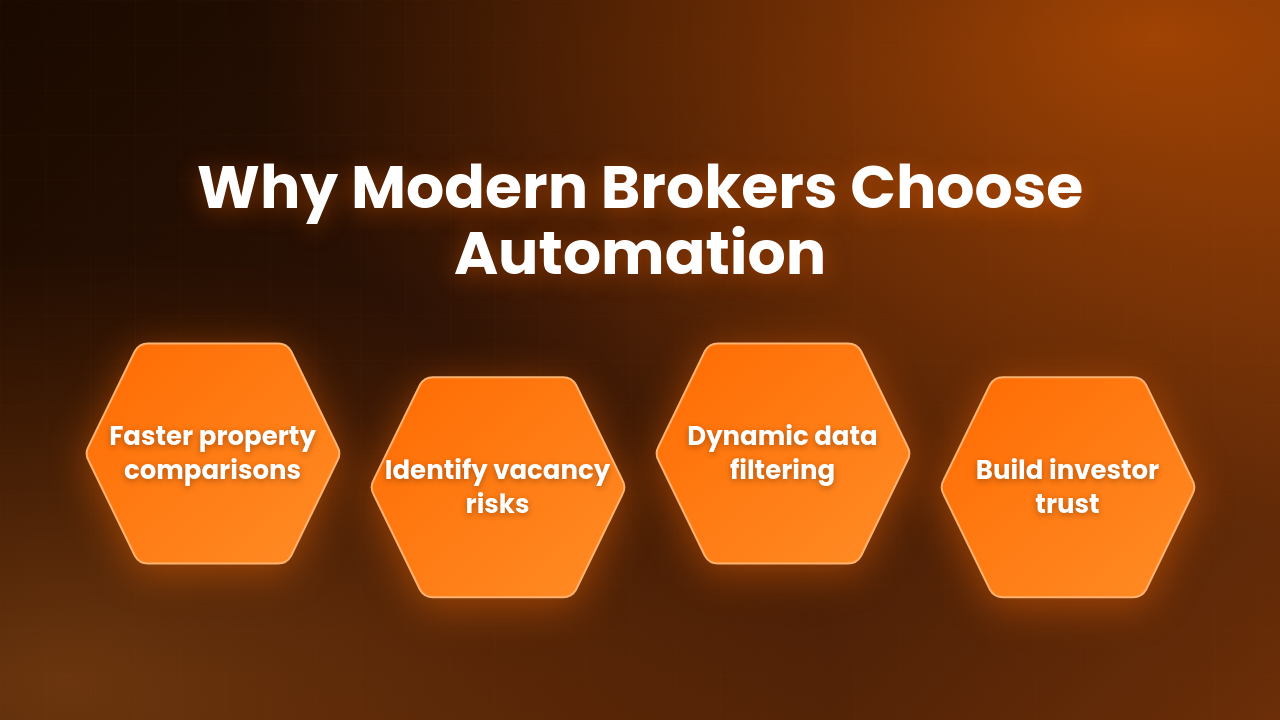
- Standardized columns make property comparisons simple across multiple target assets.
- Calculated lease expirations highlight upcoming vacancy risks immediately for buyers.
- Clean tenant lists allow fast filtering by lease type, square footage, or business sector.
- Error-free numbers build trust with institutional lenders, equity partners, and clients.
Presenting clear financial summaries establishes immediate credibility. Consequently, clients view your brokerage as a modern, technology-driven market leader.
Real-World Use Cases: How Top Brokers Scale Their Operations
Top commercial brokerage teams use automated extraction tools to handle higher deal volume without hiring extra administrative staff. For instance, acquisitions teams screen double the amount of offering memorandums each week. Meanwhile, asset management teams rapidly audit incoming property portfolios during active due diligence periods.
Short Summary: Automated workflows allow small brokerage teams to compete directly with national institutional firms. By shaving hours off property screening, brokers spend more time on high-value client advisory work.
Conclusion: Reclaim Your Time and Focus on Closing
Manual data entry belongs in the past. Stop wasting valuable broker hours typing tenant names and rent numbers into blank spreadsheets. By adopting automated extraction tools like PropQwik, you protect your firm from manual typos and speed up deal underwriting. Take control of your property listings today, convert PDF rent rolls in seconds, and spend your days closing profitable deals.


Frequently Asked Questions
Q1. What file formats does PropQwik support for rent roll extraction?
A: PropQwik supports PDF documents, scanned images, web pages, and image-based offering memorandums. You can parse text directly from browser windows or uploaded local files with high accuracy.
Q2. Do I need coding skills to convert listing data into Excel?
A: You need no coding skills to convert property listing data into Excel spreadsheets. The browser tool features a simple click-and-drag interface built specifically for commercial real estate professionals.
Q3. How does automated rent roll extraction handle scanned PDF files?
A: Automated tools use advanced optical character recognition to read scanned text and image files accurately. The system detects table borders and aligns numbers correctly into designated spreadsheet columns.
Q4. Can I customize the Excel columns before exporting the rent roll?
A: Yes, users can map extracted data fields to custom column headers before finalizing the export file. This feature ensures output files fit smoothly into existing financial underwriting models.
Q5. Does the Google Sheets add-on update existing spreadsheets automatically?
A: The Google Sheets add-on allows users to append new property data into existing master workbooks or build new sheets on demand. You maintain full control over sheet formatting, formulas, and row placement.
Q6. Is there a limit on how many tenant rows I can extract at once?
A: There is no practical limit on tenant row extraction. The tool easily processes multi-page rent rolls containing hundreds of tenant records within a few seconds without freezing.
Q7. How does automated data extraction improve underwriting speed?
A: Automated extraction eliminates manual typing time entirely. Brokers instantly convert PDF rent rolls into active Excel sheets, cutting property evaluation time from hours down to seconds.