

Struggling with messy rent rolls? Discover how to analyze a rent roll, digitize your tenant data, and boost your CRE productivity in just a few clicks.
Commercial real estate brokers lose up to three hours on every deal manually retyping PDF rent rolls into Excel spreadsheets. Misaligned columns and broken formulas slow down underwriting models. You can convert complex rent rolls into clean spreadsheets in seconds using modern automated workflows. This guide breaks down the step-by-step process to organize tenant data, calculate critical metrics, and close deals faster. If you are looking to refine your entire analysis process, check out this CRE underwriting checklist to ensure you never miss a step.
Key Takeaways:
- Manual data entry creates an average error rate of 4.4% in financial spreadsheets.
- Standardizing tenant columns restores clear underwriting models.
- Automated OCR tools convert scanned PDF rent rolls into structured spreadsheets instantly.
The Rent Roll Bottleneck: Why Manual Entry Kills Productivity
A commercial real estate deal moves only as fast as your underwriting team processes property documents. Property managers frequently export rent rolls as locked PDFs, image files, or poorly formatted text documents. Analysts spend hours copying tenant names, square footage, monthly rent, and expiration dates into internal Excel models.
This manual bottleneck delays offer submissions and client pitches. Research from the University of Hawaii shows that 88% of manually created spreadsheets contain human errors. A single mistyped lease expiration date or misplaced decimal point throws off your Net Operating Income (NOI) calculation. Real estate professionals need a faster way to turn static documents into actionable financial data.
Why Spreadsheets Become a Nightmare in Commercial Real Estate
Commercial property owners use dozens of property management platforms like Yardi, RealPage, and MRI Software. Every platform generates rent rolls with different column structures, header names, and date formats. Copying data directly from a PDF into Excel breaks formatting immediately.
Merged cells conceal underlying values and break sorting functions. Page breaks split single tenant records across separate rows. Subtotal lines mess up sum formulas across columns. Analysts spend more time fixing split rows and deleting blank spaces than evaluating property performance. Standardizing these chaotic inputs forms the foundation of smart commercial real estate analysis. For those struggling with model consistency, using free Google Sheets templates for CRE analysts can provide the structure needed to avoid these common formatting pitfalls.
How to Analyze a Rent Roll: A Step-by-Step Methodology
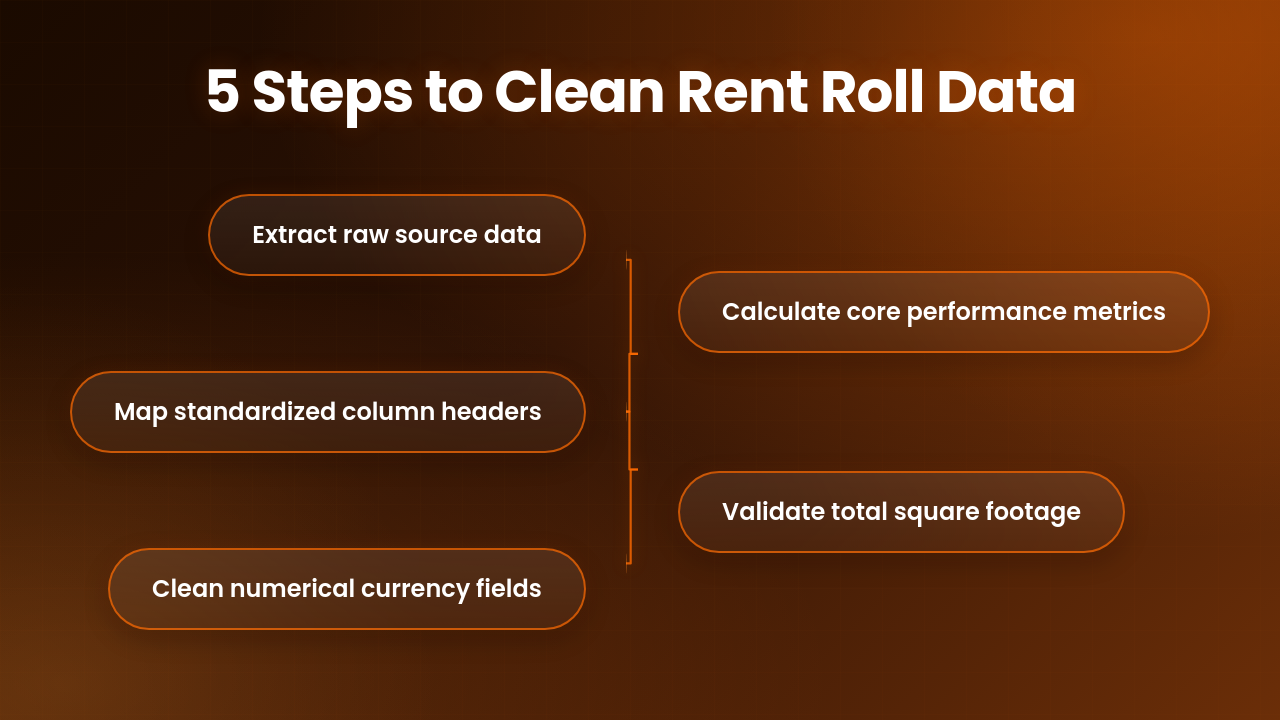
Structured methodology converts messy property files into clean financial intelligence. Follow these steps to prepare any document for financial modeling:
- Extract raw text and numbers from the source file.
- Map tenant data into standardized column headers.
- Clean numerical fields by removing currency symbols.
- Calculate core metrics including occupancy rate and lease duration.
- Validate total square footage against marketing materials.
Standardizing Columns for Consistency
Every underwriting sheet requires uniform column names to maintain model integrity. Create a master template with predefined headers before pasting raw data into your sheet.
Use explicit headers such as Suite Number, Tenant Name, Square Feet, Monthly Rent, Rent Per SF, Lease Start Date, and Lease End Date. Convert all dates into a single standard format like YYYY-MM-DD. Clean headers ensure your formulas pull correct values every time.
Identifying Key Metrics: WALT, Occupancy, and Lease Expirations
Why do PDF rent rolls break Excel imports?
PDF rent rolls break Excel imports because PDFs store text as visual layout coordinates rather than structured table rows. Pasting text from a PDF forces Excel to dump entire rows into single cells.
How do you calculate WALT on a rent roll spreadsheet?
You calculate Weighted Average Lease Term (WALT) by multiplying each tenant's remaining lease term by their square footage, summing those products, and dividing by total occupied area. This metric reveals underlying cash flow stability.
Calculating Weighted Average Lease Term (WALT)
Track upcoming lease rollover risk by grouping lease expiration dates into annual buckets. Highlight leases expiring within 12, 36, and 60 months automatically.
Using the Right Tools for Data Extraction
What is the fastest way to extract data from a PDF rent roll?
The fastest way to extract data from a PDF rent roll is using specialized real estate extraction software. These platforms scan complex table layouts and transfer tenant data directly into clean Excel or Google Sheets files.
Traditional copy-and-paste methods fail on scanned files. Purpose-built extraction software identifies multi-line tenant records, recognizes hidden headers, and exports perfectly aligned spreadsheet tables.
Beyond the PDF: How to Transition from Rent Roll to Spreadsheet Effectively
Static PDF documents isolate critical operational data from your deal workflow. Moving past manual PDF management lets acquisition teams screen ten times more deals weekly.
Introducing Automated Workflows for Tenant Data Organization CRE
Automated CRE data workflows replace manual entry with intelligent document parsing. Software scans incoming PDFs, isolates rent rolls, and sorts data into predefined database fields.
Using Tech to Reduce Workflow Friction
Workflow friction occurs when analysts manually transfer numbers between software programs. Eliminating manual typing speeds up overall underwriting turnaround times from days to minutes.
How PropQwik Acts as Your Ultimate Rent Roll Analysis Tool
PropQwik solves the rent roll conversion headache by combining advanced document extraction with instant output creation. Real estate professionals use PropQwik to turn locked PDF files into usable spreadsheets without technical friction. Explore our workflow automation guide to see how much time your team can reclaim by eliminating manual data entry.


One-Click Extraction and Google Sheets Sync
PropQwik processes scanned and native PDF rent rolls with precision. Upload any rent roll document into the platform to extract clean tabular data automatically. PropQwik syncs directly with Google Sheets and Excel, giving your team immediate access inside your financial models.
Scaling Your Workflow from Listing to Presentation
Extracted data feeds directly into PropQwik's presentation generator. Once the platform cleans your rent roll, it populates high-impact property marketing flyers and offering memorandums. Brokers complete pitch packages in minutes rather than days. For teams looking to accelerate the deal cycle, our platform offers a seamless way to build client-ready offering memorandums faster than traditional manual methods.
Best Practices for Maintaining Data Integrity in Your Portfolio
Maintaining clean data across a property portfolio requires strict administrative habits. Implement these continuous auditing procedures across all property records:
- Audit rent rolls against executed lease agreements annually.
- Normalize tenant names across properties for clear corporate tracking.
- Separate base rent figures from expense reimbursements.
- Store original PDF files alongside converted spreadsheets.
| Metric | Manual PDF Conversion | Automated Processing (PropQwik) |
|---|---|---|
| Processing Time | 2 to 3 Hours | Under 60 Seconds |
| Data Error Rate | 4.4% Average Error Rate | Near-Zero Extraction Errors |
| Spreadsheet Sync | Manual Re-entry Required | Automated Spreadsheet Sync |
| Deliverable | Static Excel File | Spreadsheet & Presentation Ready |
Focusing on Deals, Not Data Entry
Commercial real estate rewards speed, accuracy, and strong relationships. Spending hours retyping numbers from PDF rent rolls into spreadsheets steals time from sourcing opportunities and negotiating transactions.
Adopting automated rent roll conversion tools gives deal teams a distinct competitive advantage. Clean spreadsheets power faster underwriting, sharper market insights, and quicker client deliverables. Modern software handles data entry while you focus on closing transactions.
Frequently Asked Questions
Q1. How do you format a rent roll in Excel?
A: Format a rent roll in Excel by placing clear column headers in the top row, such as Tenant Name, Suite, Square Footage, and Monthly Rent. Set explicit number formats for currency and date columns.
Q2. Can artificial intelligence convert PDF rent rolls into spreadsheets?
A: Yes, artificial intelligence powered by computer vision can convert complex PDF rent rolls into clean spreadsheets. These AI platforms recognize table rows and tenant information automatically.
Q3. What key fields belong on a commercial rent roll summary?
A: A complete commercial rent roll summary includes tenant name, suite number, square footage, monthly base rent, annual rent per square foot, lease start date, lease end date, and renewal options.
Q4. How does automated rent roll processing improve CRE underwriting?
A: Automated rent roll processing improves CRE underwriting by eliminating manual data entry errors and reducing analysis time from hours to seconds. Analysts underwrite more property opportunities rapidly.
Q5. How does PropQwik handle handwritten or poor-quality rent rolls?
A: PropQwik uses optical character recognition algorithms to process scanned property files. The platform flags unclear entries for quick user review to maintain data accuracy.
Q6. Why is WALT important in commercial real estate analysis?
A: Weighted Average Lease Term (WALT) measures the average remaining duration of leases in a property, weighted by square footage or income. Lenders use WALT to assess cash flow stability.